01
DRAWING-TO-CML WORKFLOW
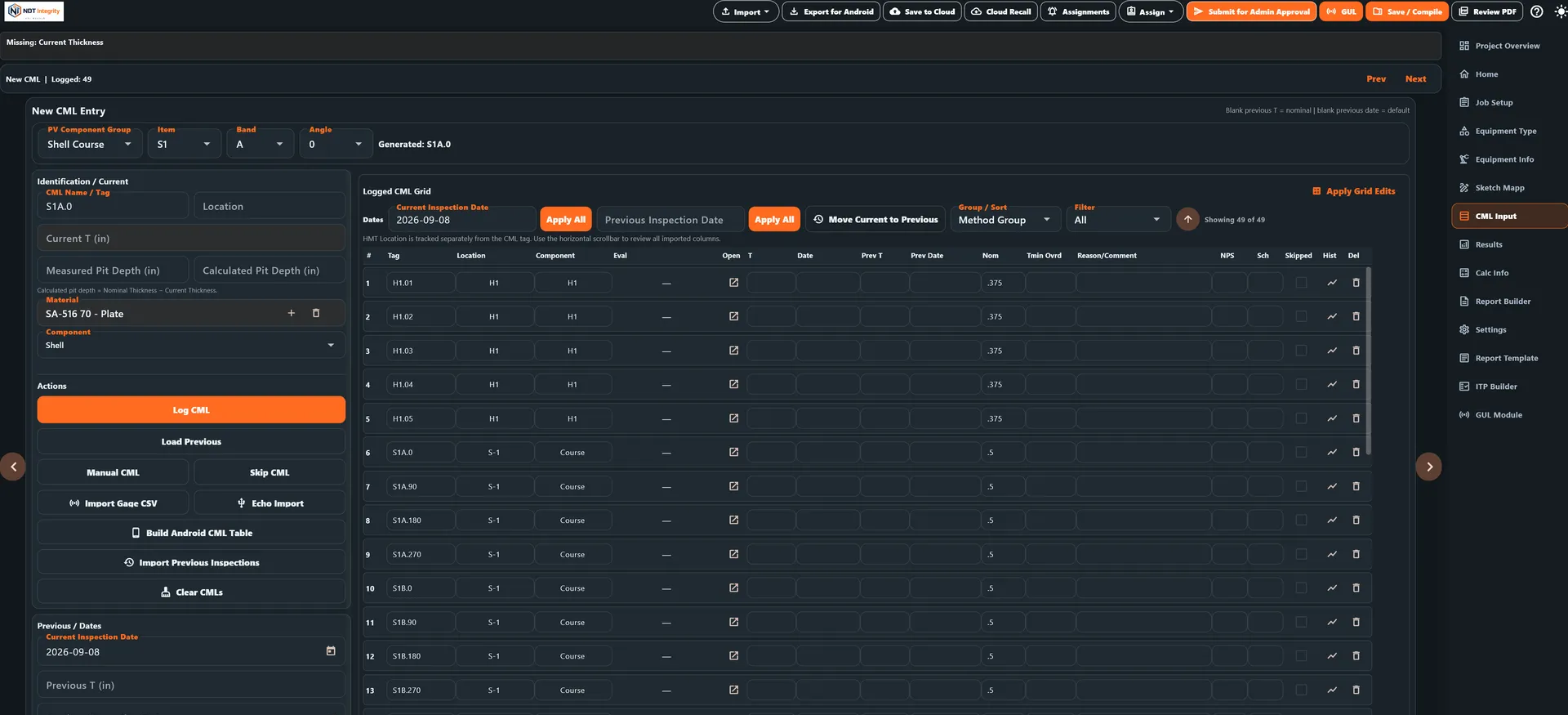
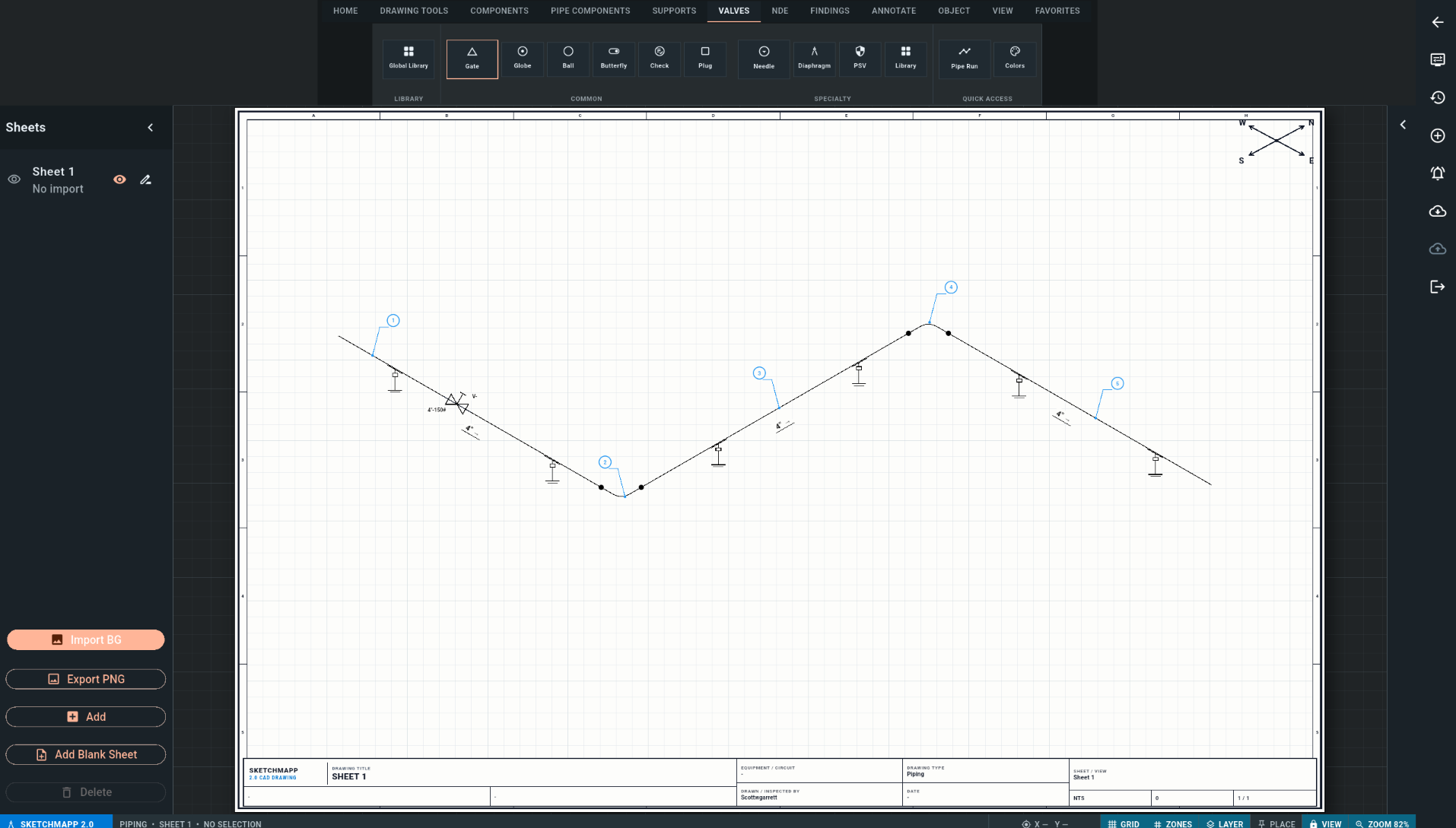
PLACE CMLS ON THE DRAWING. POPULATE THE CML TAB.
Create CML locations directly in SketchMapp and carry them into the inspection project automatically.
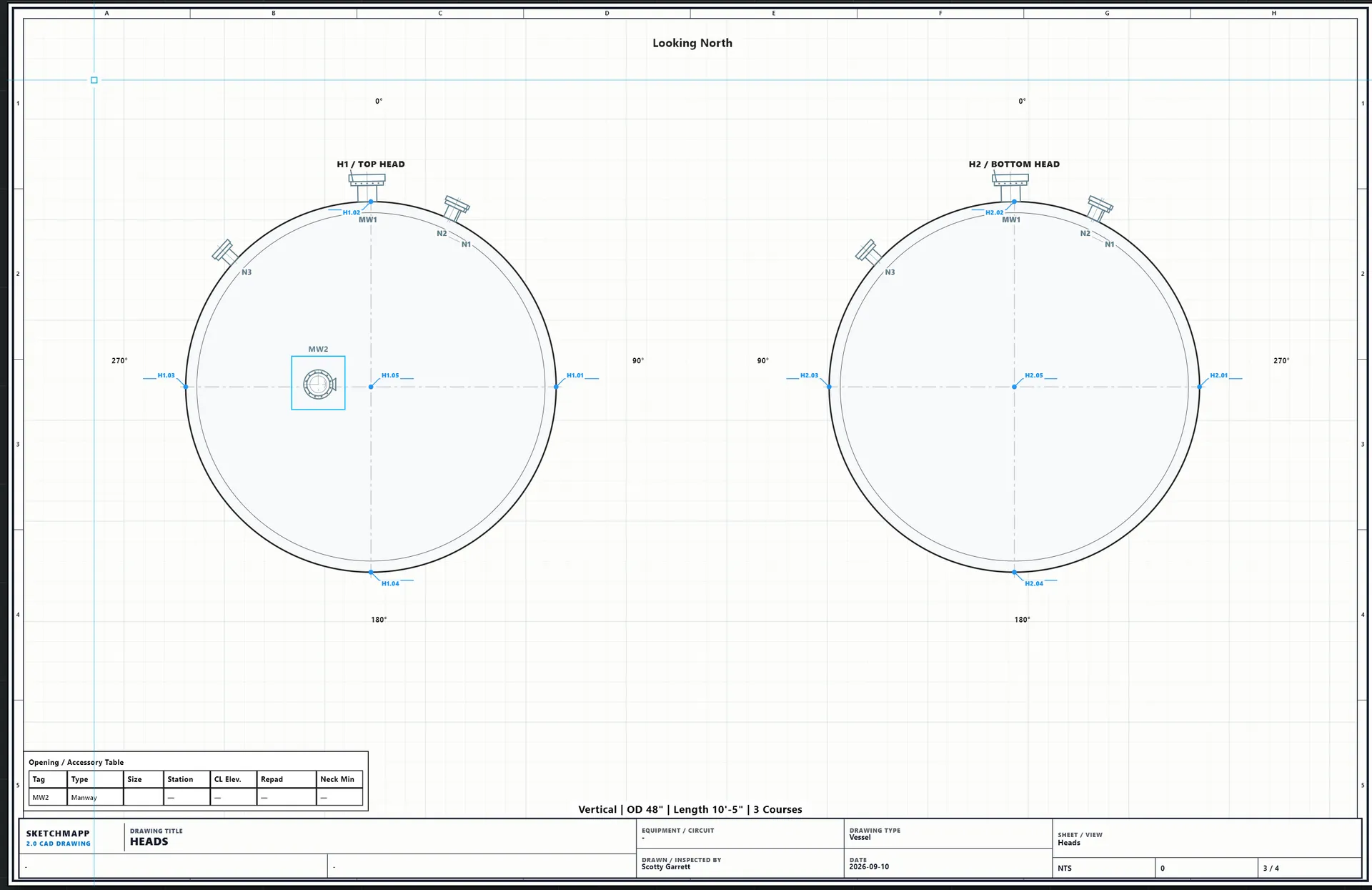
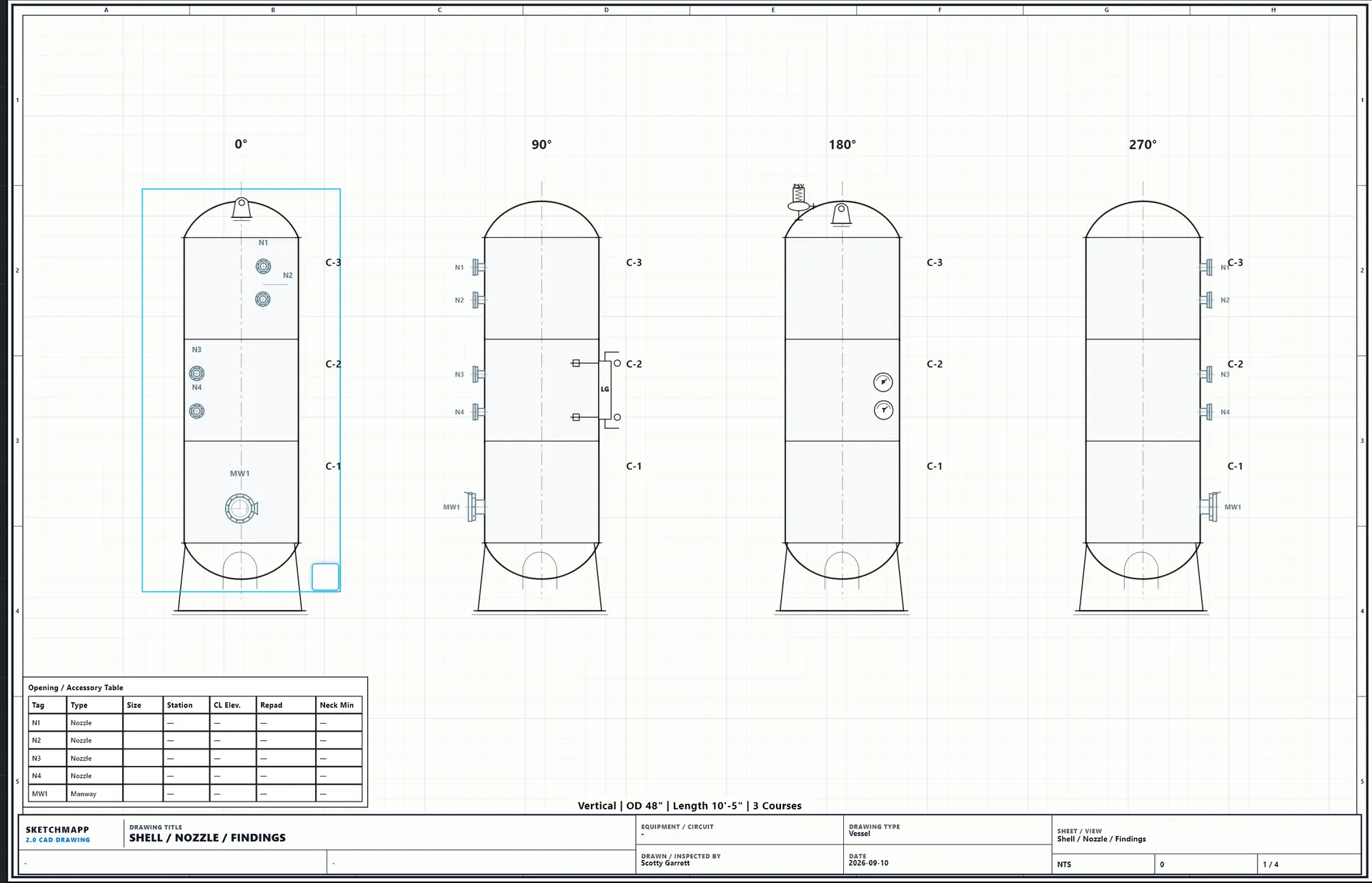
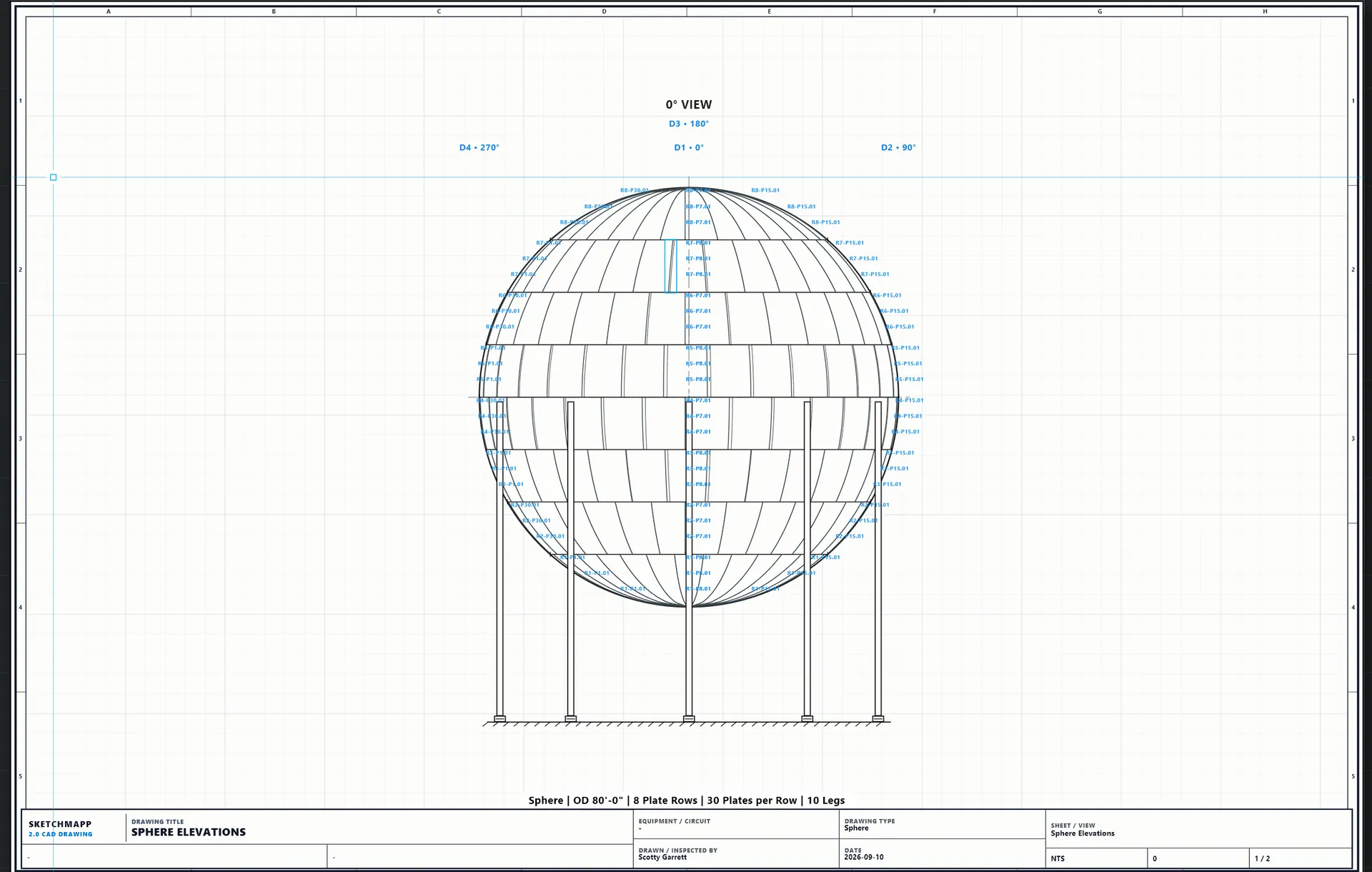
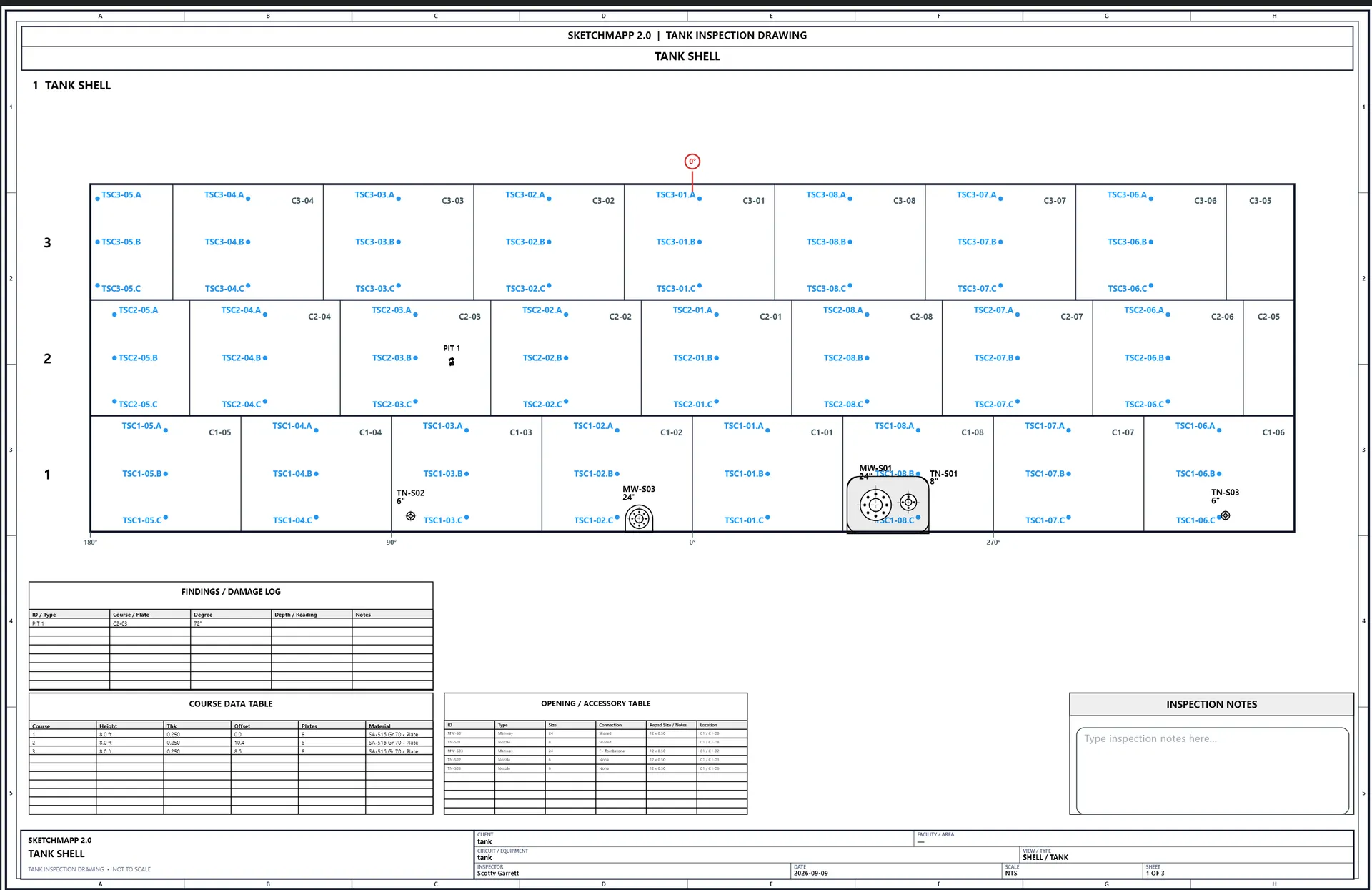
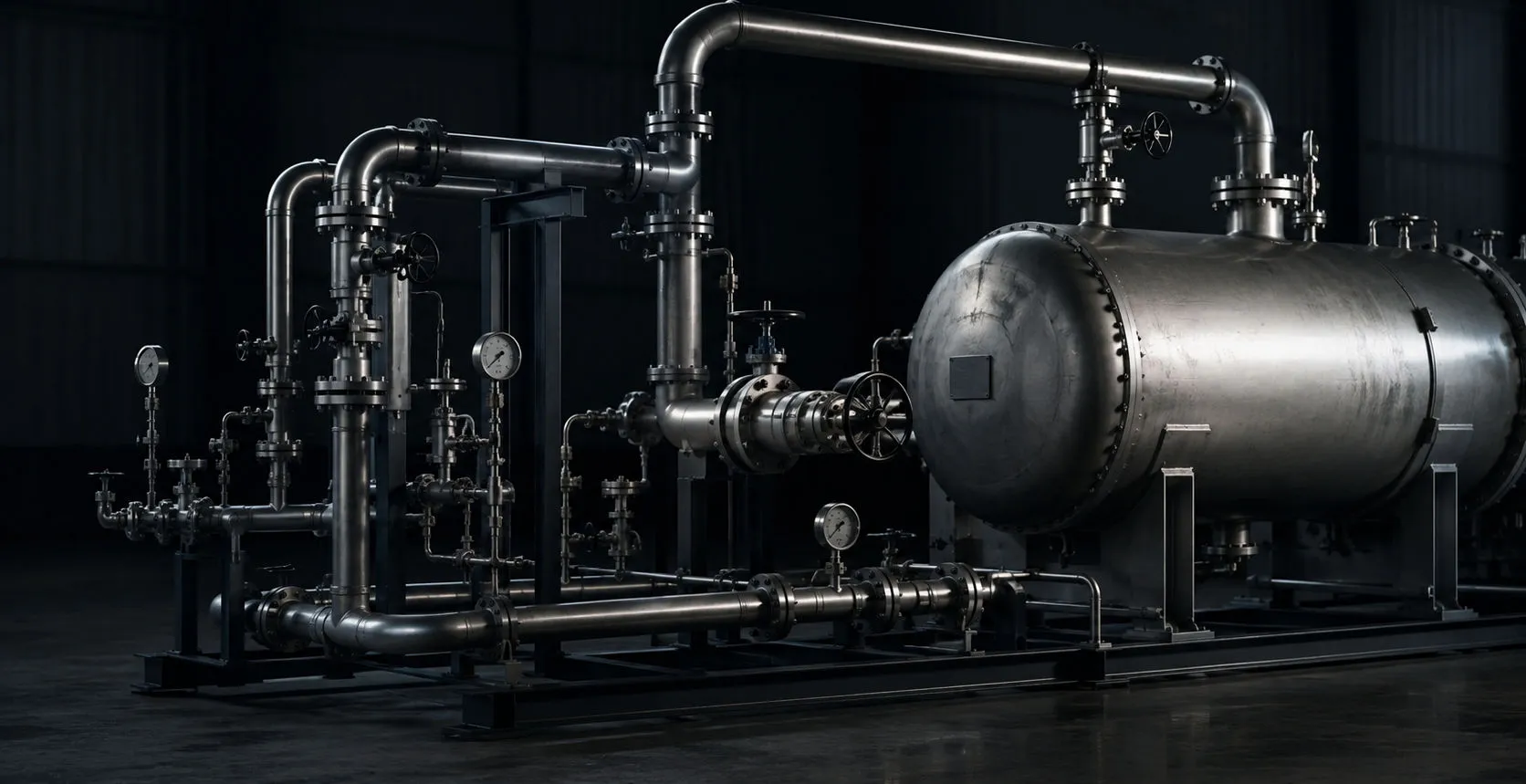
- Place CMLs on piping, vessels, tanks, spheres, and other inspection drawings
- Create API 570 piping drawings and pressure vessel inspection drawings
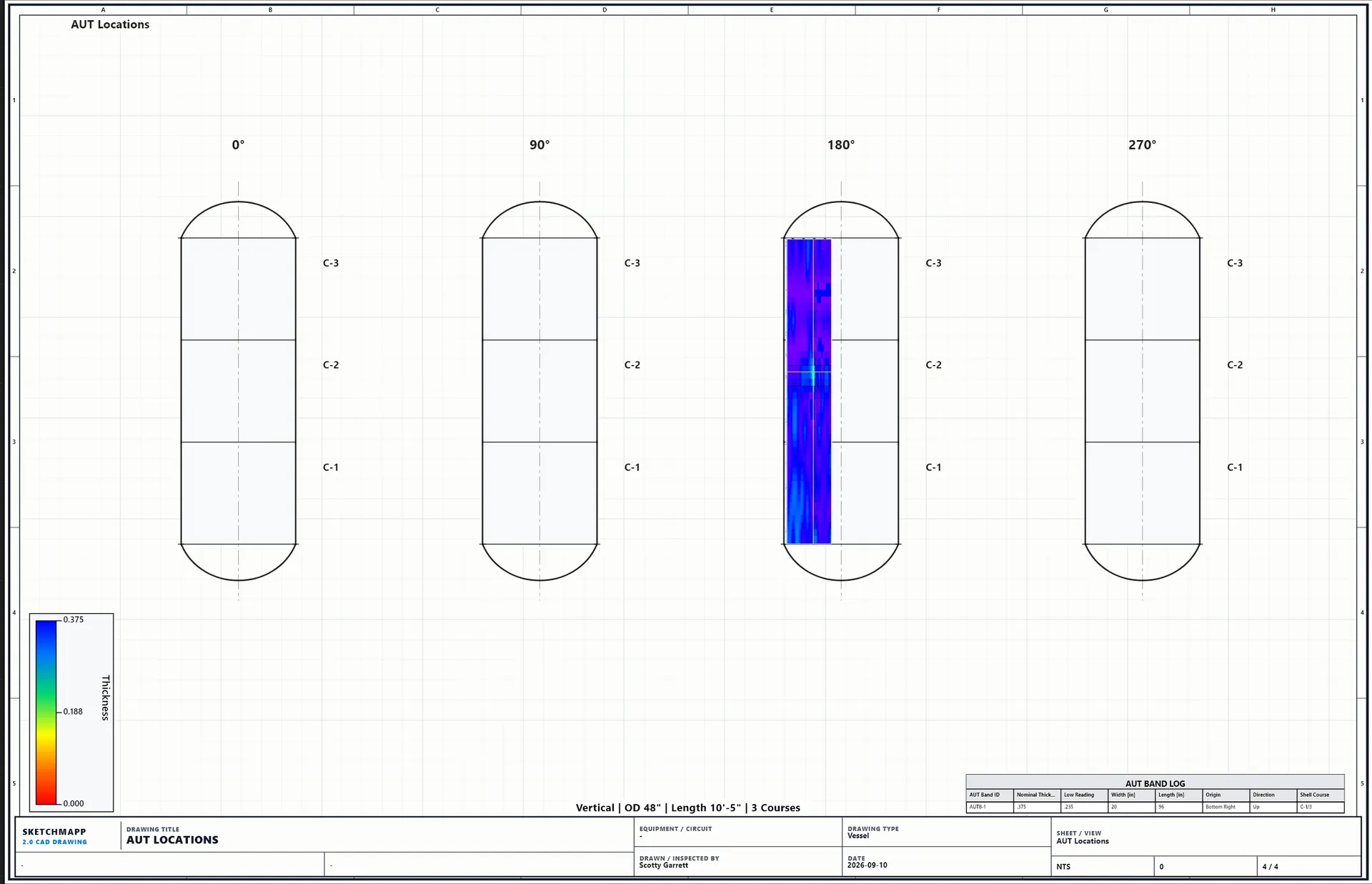
- Document tank inspection drawings and sphere inspection drawings
- Place welds, nozzles, supports, UT locations, and inspection findings
- Automatically create corresponding CML records in the CML tab
- Maintain drawing location and CML identity together
- Reduce duplicate entry between drawings and inspection tables
- Update inspection readings against the same CML record
- Keep field data, calculations, history, and reporting tied to the drawing location
- Visualize UT/CML data on the inspection drawing and in report-ready exports
DRAW IT ONCE. USE IT THROUGHOUT THE INSPECTION.
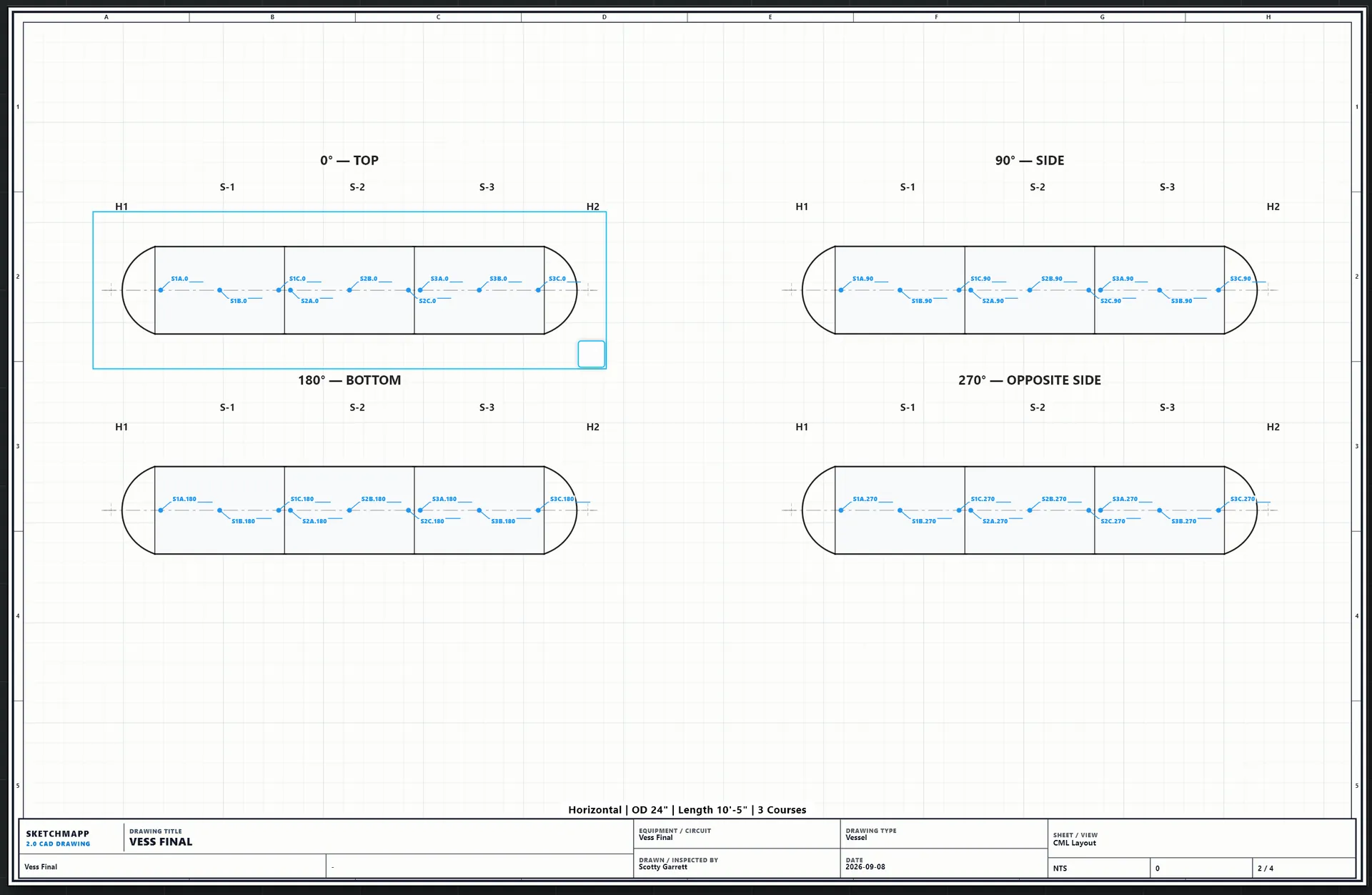
CML LAYOUT ON THE DRAWING